
WebAnaya - Web Development & Digital Marketing Agency
Back to Blog
Photoshop
WebAnaya TeamWebAnaya Team

Free Photoshop plugin to get thousands of Flat icons from Flaticon.com

Free Photoshop plugin to get thousands of Flat icons from Flaticon.com

Flaticon.com has over 15 thousands (counting more) number of cutting edge modern web 2.0 icons. Flat icons are totally web 2.0 based icons which are highly used in web project like web designing and web development.

Flaticon.com is an icon search engine which offer flat icons, flaticon.com icons can be insert in web page in variety of way i.e. as PNG, SVG or as Webfont.

Free Photoshop plugin to get thousands of Flat icons from Flaticon.com

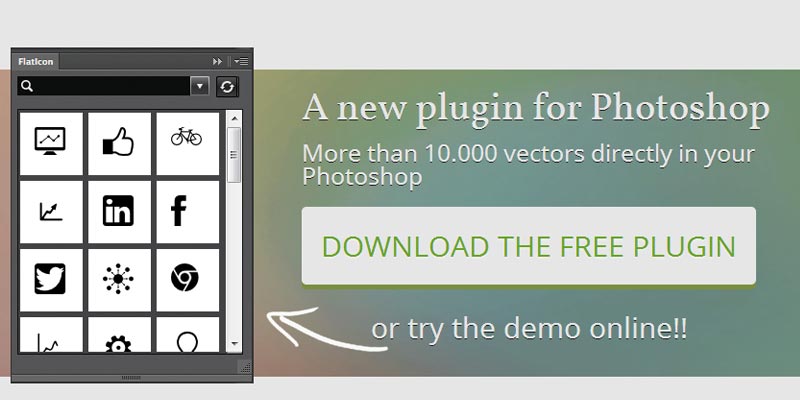
To ease the searching and insert icons directly into Photoshop, Flaticon.com has developed a Photoshop plugin by which you can access all icons of Flaticon.com and directly can use in your Photoshop file.

Currently this awesome Photoshop plugin is in Beta version and support Photoshop CS5, CS6 + and Photoshop CC (v 14) on variety of platform (operating system) like Windows XP/7/8, MAC and OSx.

Flaticon.com is a web tool for web designers, it is created by world’s leading graphic search engine Freepik.com.
Download Plugin Now

Related Posts

Long Shadow Generator: Free Photoshop extension to generate long shadow effect

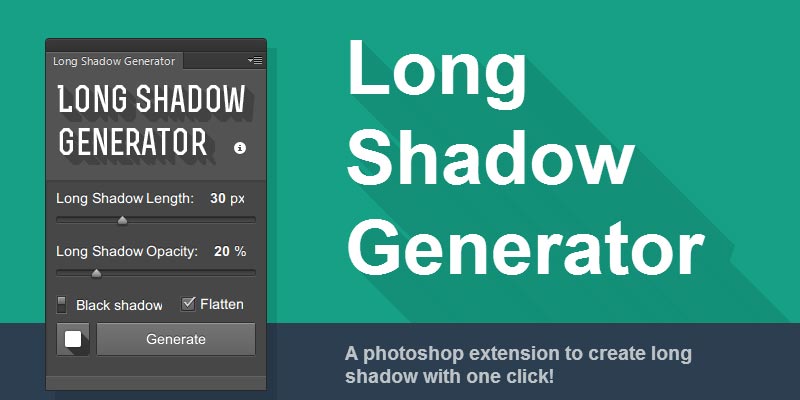
‘Long Shadow Generator’ is a free Photoshop extension to give long shadow effect to Photoshop layers. As the Photoshop core has limitation, and you can’t give long shadow effect to layers “Long Shadow Generator” a free photoshop plugin solve this problem. This awesome free Photoshop plugin is created by Ray and it is ready to […]

Breezy: Free Photoshop plugin to export multiple layers

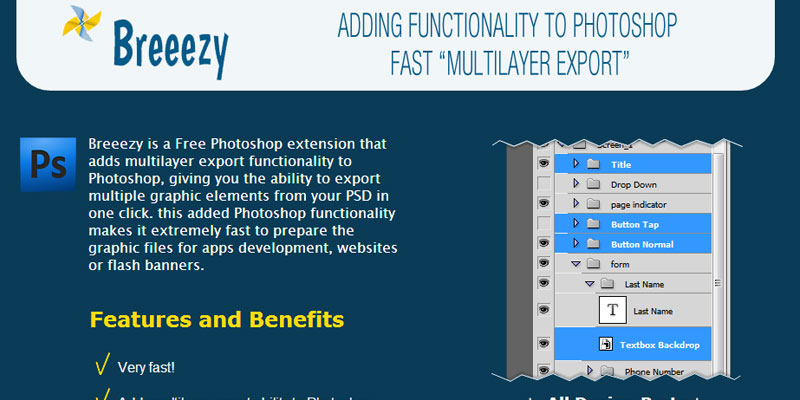
Breezy is a free Photoshop plugin to export multiple graphics layers easily. It adds Multilayer export functionality to existing Photoshop tools so that Photoshop designers can easily export graphics layers for post Photoshop design and development. With Mulitlayer Export functionality in Photoshop, designers can easily export different graphics layers (rather than doing manually) in more […]

tips-for-beginners
May 9, 2013WebAnaya TeamPhotoshop

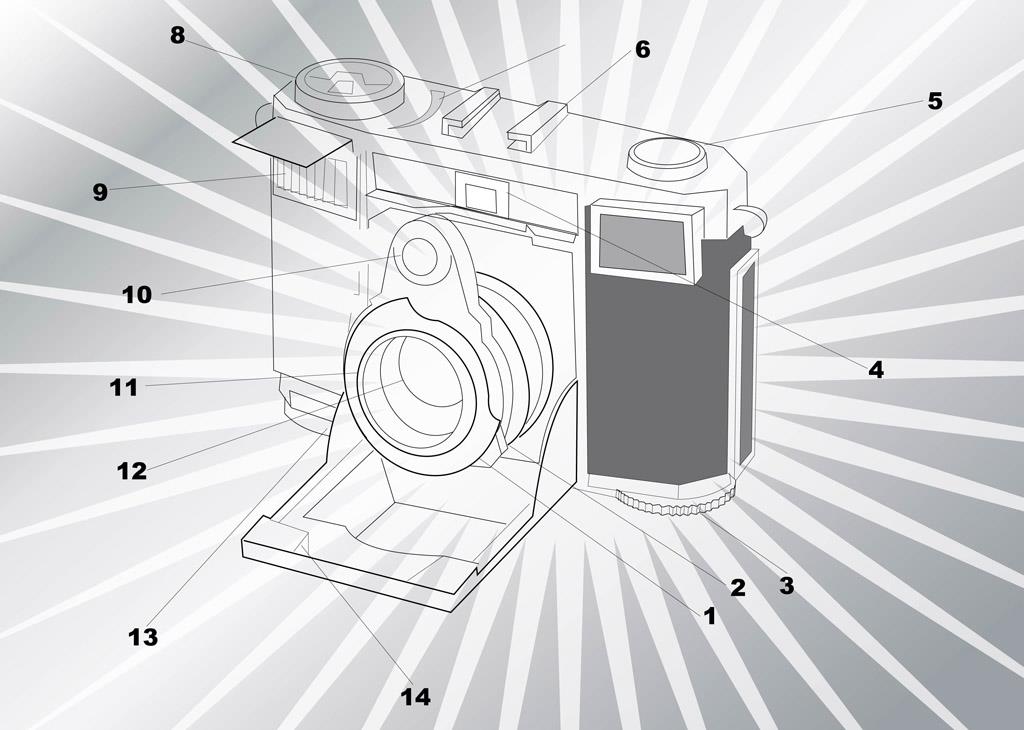
Photography is an art, it is always advisable that you must read your Camera Manual and learn the basic of functions that your camera manufacturer has offered you. Leaving everything on auto mode will not give you best result. If you want to take pride on your work then you must be ready to do […]