

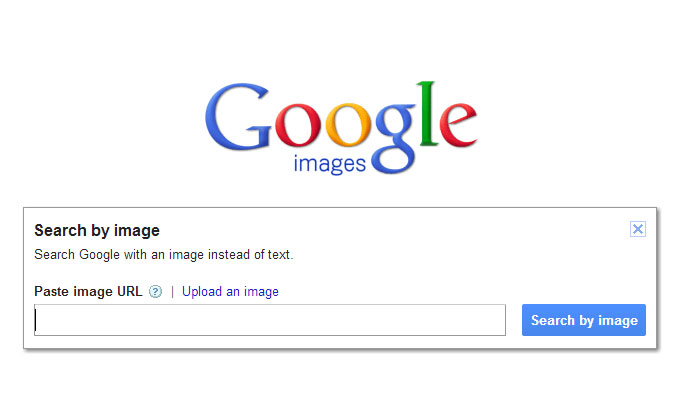
The search engine giant Google.com is always looks to improve its vast amount of services. Earlier in beginning of year 2013 google rolled out a major update in its image search option, google added a new feature with the new added feature now one can search with an image and can see the similar images publicly lying on different website.
Suppose if you are looking for an image that is already somewhere used on some website then you can easily trace it through google image search feature.

Let’s take a real example: On facebook people often create fake profiles and upload fake profile pics and photos etc. to virally promote something or increase like and share, may be the hot picture your female friend has uploaded pretending her own may not correct so how can you avoid yourself becoming fool? The easiest way to use google image search feature and drag or upload appropriate image on google image search and let google image search do their magic, if the image is not public circulated on internet or not in database of google then it will not return any exact matching image instead it will return similar image match with the shape and color etc. but if it returns the duplicate image then you can easily see the reality behind image.
Google image search also helping to close the copyright issue with an image more easily and efficiently than before. So next time don’t be surprise or fool with your friend image and always use google image search to trace an image.
its time to check out [button link=”http://image.google.com” size=”medium” target=”_blank”]image.google.com[/button]