

After designing the website mockup in photoshop the most time consuming process is to slice or export different images to further utilize in coding process. It takes huge time to do so; one should take extra precaution while doing the same as every single count while exporting the images.

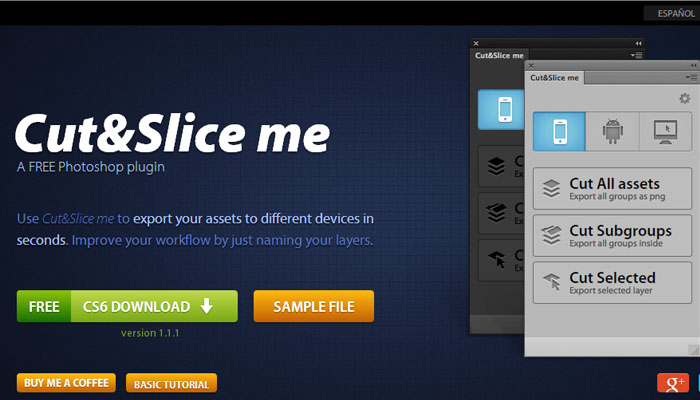
Well to ease the process we have a tool now called cut&slice me. This is a free photoshop extension to export images easily and smartly.
With this awesome photoshop tool you can export images for different devices and formats as per standard resolutions.
First of all, it trims any unnecessary pixels while exporting. Also, it understands that “a group of layers” needs to be treated as a single object and cuts them perfectly.
[button link=”http://www.cutandslice.me/” size=”medium” target=”_blank”]Download it now[/button]