
WebAnaya - Web Development & Digital Marketing Agency
Back to Blog
Tutorial
WebAnaya TeamWebAnaya Team

Create Responsive pinterest like grid layout with jQuery Masonry

jquery-masonry

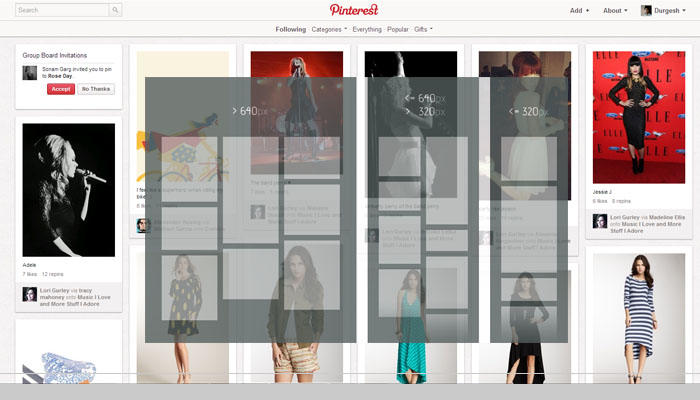
On pinterest.com you must have seen that all its content organize by block wise according to the screen size and dimension. So if you are looking to create something Pinterest like content web layout you can easily achieve this by using the Jquery Masonry plugin.

jquery-masonry
Jquery Masonry

To do this job more easily and accurately here I am going to share with you a web tutorial where you can learn to create an awesome responsive content grid layout like Pinterest.com. If you are looking to create Pinterest.com like site then don’t forget to read my article “Create clone of Pinterest.com with pinry“.

[button link=”http://osvaldas.info/responsive-jquery-masonry-or-pinterest-style-layout” size=”medium”]Access Tutorial[/button]

[button link=”http://osvaldas.info/examples/responsive-jquery-masonry-or-pinterest-style-layout/” size=”medium”]Demo[/button]


Related Posts

How to Install Zpanel in Centos 6.4+ ?
July 4, 2015WebAnaya TeamTutorial

Zpanel is an open source Linux/Windows-based (in order to install it on Windows you need Apache, PHP, Mysql installed) control panel. This is alone kind of open source control panel of its kind with rich user interface. To install the Zpanel you need a freshly installed Centos (tested on centos particularly, also compatible with other […]

Full screen overlays navigation for Inspiration by Codrops Team
February 11, 2014WebAnaya TeamTutorial

Codrops has just shared a very nice inspirational full screen overlay navigation built in CSS3 and HTML5. With the help of this beautiful tutorial you can learn to create full screen overlay navigation web page in CSS3 and HTML 5 by using variety of transition effects i.e.  huge inc, corner, slide down, scale, door, content […]

Learn to create dotted style navigation
January 25, 2014WebAnaya TeamTutorial

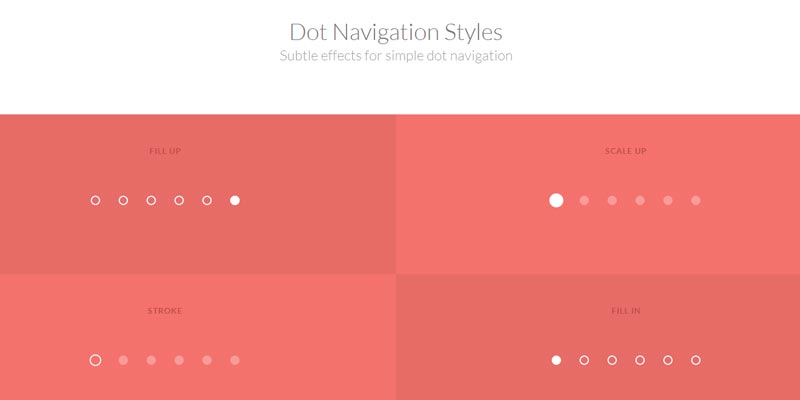
Codrops has recently published a tutorial to create a dotted style navigation in html5 and css3, take a look to this tutorial. Read Tutorial Demo Download